GlobalCopy.io
Global Copy: Coming Soon
Global Copy is an open source project to allow you to make your copy buffers global across all the machines you use, with safety, convenience, and privacy.
Follow The Instructions Below to Use GlobalCopy
-
Download the application here
-
Go to where the file was downloaded and click on the address bar at the top of your file explorer
-
Type into the address bar "cmd" as shown in the image

-
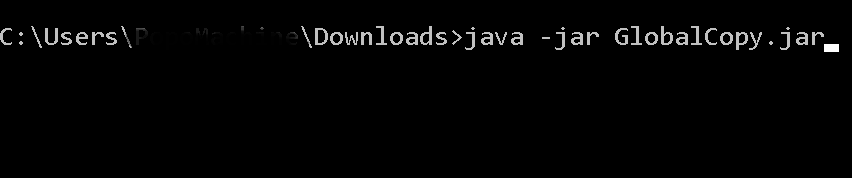
After a terminal opens type in the following: java -jar GlobalCopy.jar
-
For each prompt displayed type in the requested credential and press enter
-
Be sure to log in on both of your desired devices.
After completing the signup and login process, you should be able to use the application by pressing ctrl+c on one device and ctrl+v on the other.